
TRUST & CARE / DIGITAL CERTIFICATE
Your item. Your KYURATE certificate.
Open your phone’s camera, scan the QR on the enclosed certificate and tap the link to view your item’s record.
01Open your camera
Point your phone’s camera at the QR on the enclosed certificate.
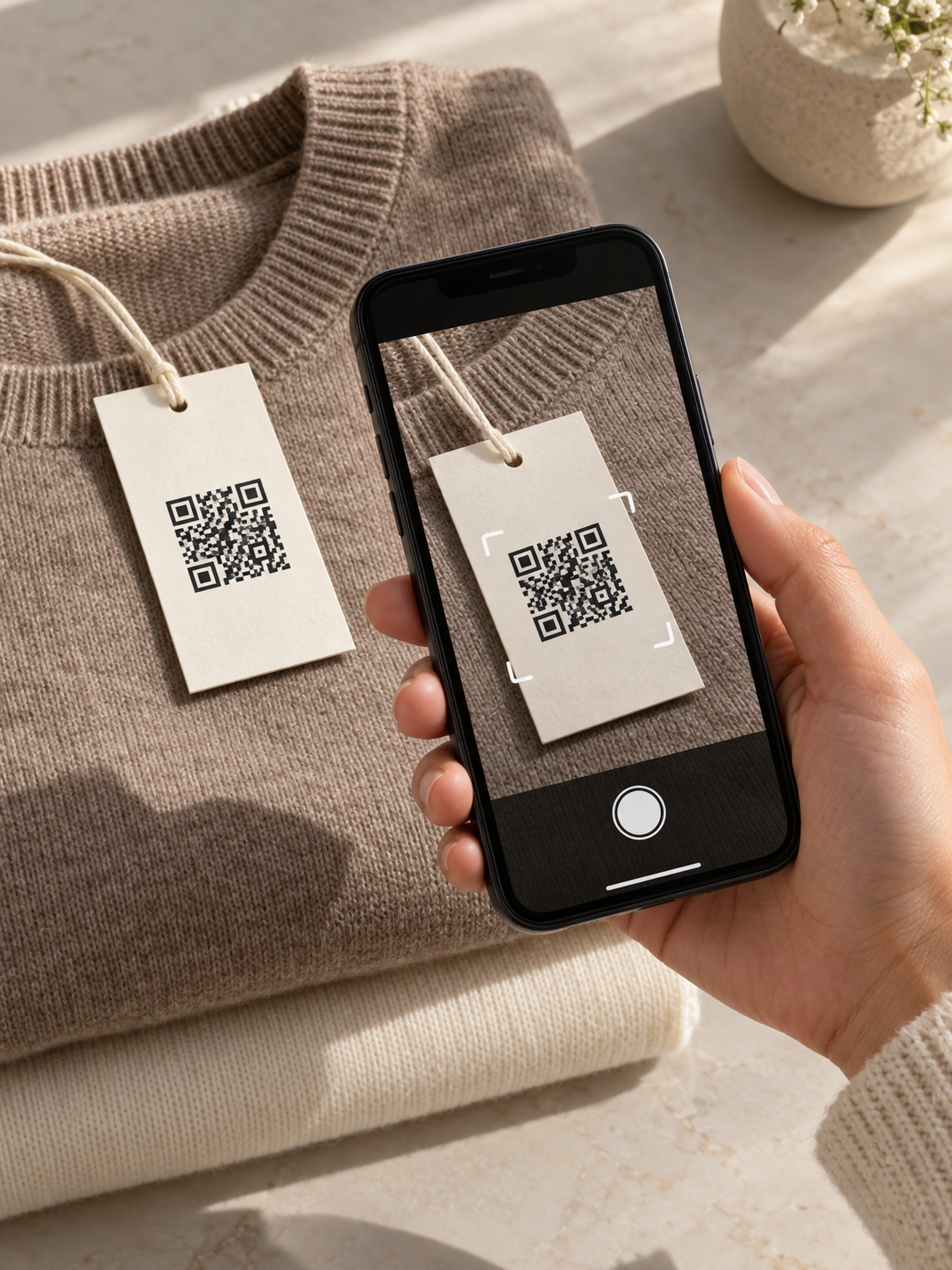
02Tap the link
Tap the link that appears on your phone.
Open the link shown by your camera.
03View your certificate
Review the product, order details and guarantee information.

YOUR CERTIFICATE, UP CLOSE
The details. All together.
See the product and purchase information recorded on your KYURATE authenticity certificate.
01 Product name & option
02 Order number & date
03 Guarantee information
ANOTHER WAY TO OPEN YOUR RECORD
Can’t scan the QR?
Enter your certificate number on the verification page, or sign in to My Page → My Certificates to revisit your record.
ENTER A NUMBER · USE THE WEB SCANNER · MY CERTIFICATES
GOOD TO KNOW
Certificate FAQs.
The information looks different from my order.
Have the product name and order reference ready when you contact support.
Where do I get help with a record?
Email support@kyurate.com or sign in to My Page → Support. Keep your product name and order reference ready.
YOUR NEXT CHAPTER
A question about your piece?
Let’s help you find the information you need.